Getting started
Shop setup, first client, first job, and the learning path.

Short, practical videos for setting up Ouvra, running a job, working with clients, and keeping the field and office connected.
First recordings are in production. Each lesson will be available in English and French.
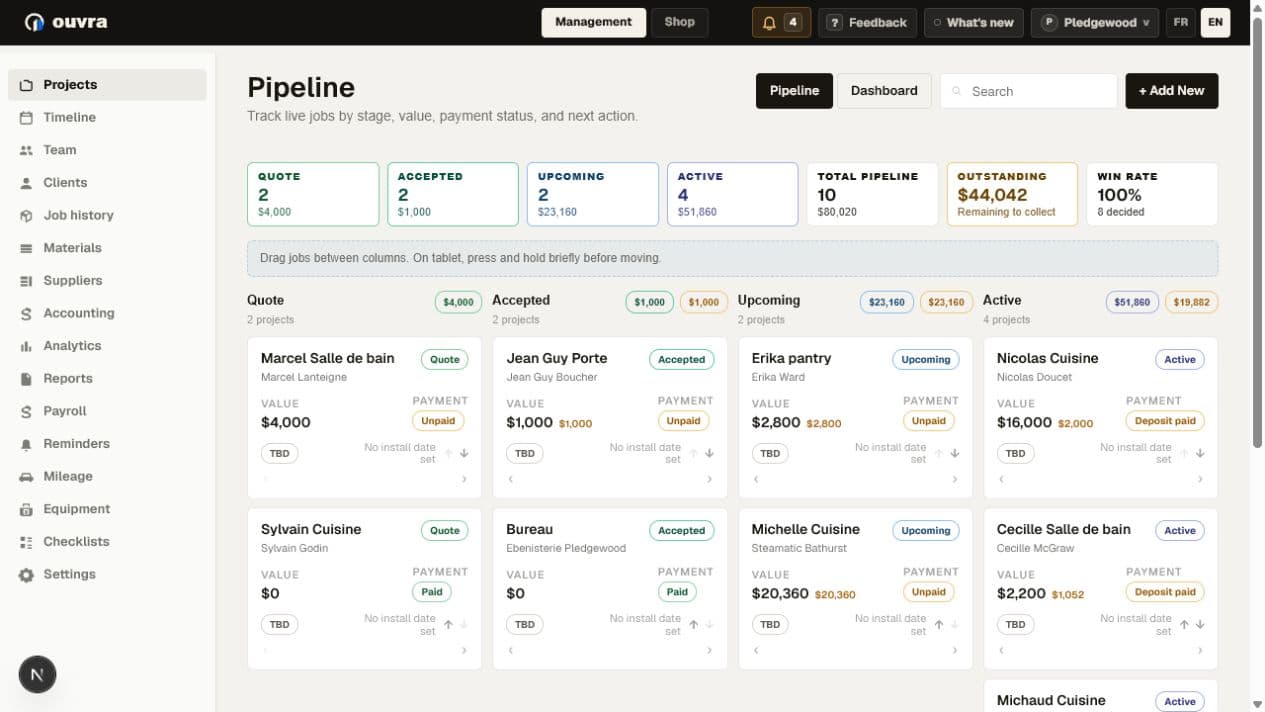
The Academy is organized by the way shops actually work. Video cards can become YouTube embeds or direct links as each recording is published.
Shop setup, first client, first job, and the learning path.
Pipeline, job detail, quotes, finances, and change decisions.
Approvals, files, visibility, and a clean audit trail.
Timer, capture, requests, offline work, and trailer checks.
Supplier invoices, review queues, exports, and accounting handoff.
Lead times, purchasing dates, suppliers, and what-if planning.
Business setup, team access, field rollout, and future integrations.
A short look at the connected workflow: pipeline, job planning, client approvals, field work, and accounting review.
Set up your shop, add a client, create the first job, and know where to keep learning once the work starts.
Learn the Ouvra header, Management menu, Pipeline, Dashboard, job records, Timer, account controls, tours, and help.
Set up the shared business identity, supplier-invoice address, security controls, plan, Field app, support, and language preferences.
Create a job, connect the right client, choose its starting stage, add the known details, and confirm it in the Pipeline.
Tour the tabs in a job and learn where the office, shop, field team, and client information belongs.
Read weekly priorities, planning, deadlines, workload, purchasing signals, and active jobs before deciding what needs attention.
Follow a released cabinet job from import review through cutting, station work, quality control, shipping, attention, and the shop TV.
 Recording
Use Ouvra Field on a phone or tablet for timer, checklists, photos, receipts, punch items, and crew requests.
Video coming soon Recording
Prepare a clean client view, request material choices or approvals, send the right link, and track the answer.
Video coming soon Recording
Bring in a supplier invoice by upload or email, review the parse, assign costs, and leave a clean accounting trail.
Video coming soon Recording
Start from the install date, see the order deadlines Ouvra works backward to create, and test a change before it becomes a surprise.
Video coming soonThe first videos are designed without real customer data, so they can support prospects and active shops alike.
Published cards can link to or embed YouTube. A later signed-in gate can filter the same catalog by role or plan without changing the page structure.
Future production and general-contractor lessons can be labeled for Studio or GC alongside the core library.